Specchio 12 di Stones
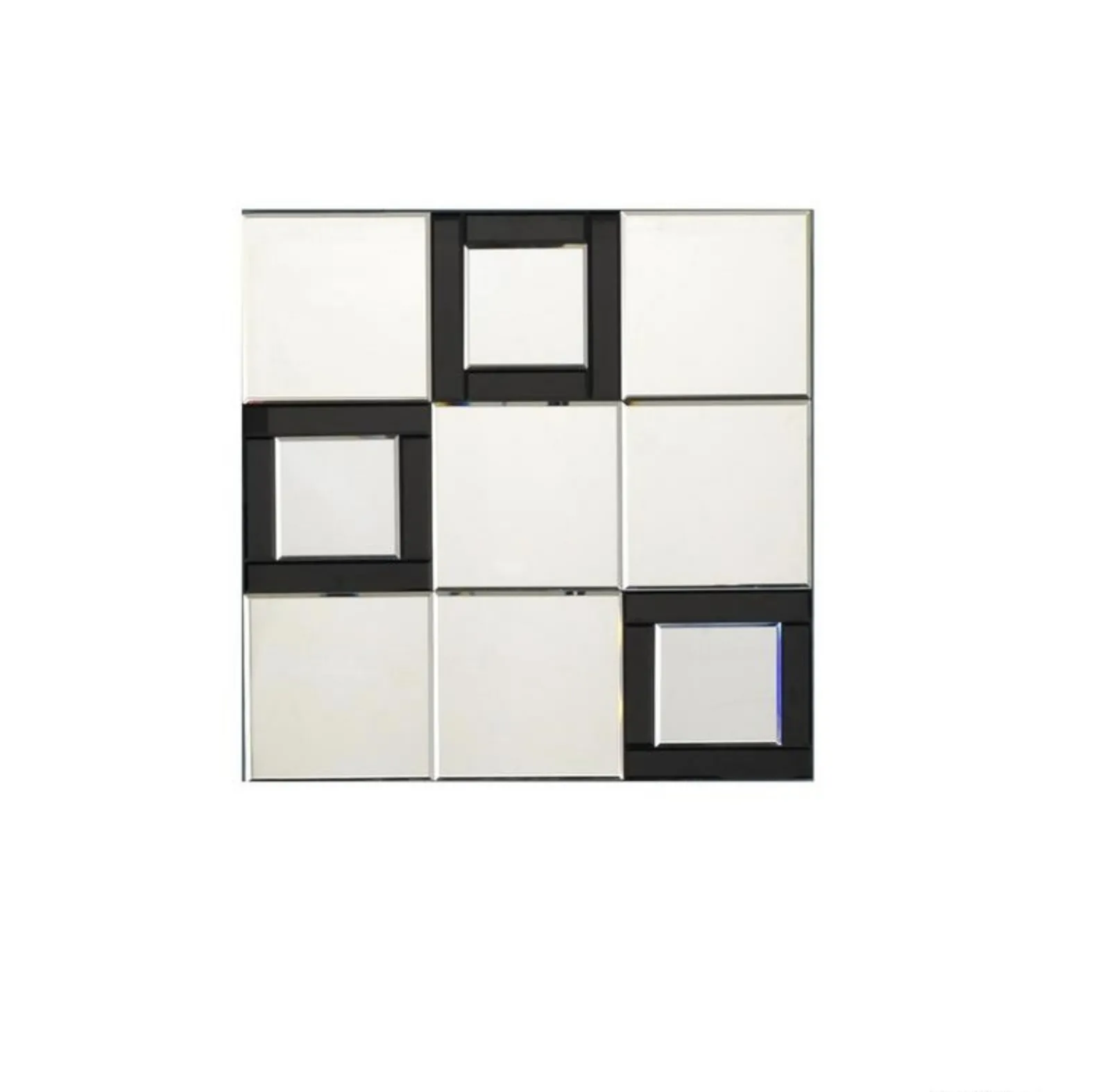
Specchio 12 di Stones: clicca e ottieni informazioni sui Complementi e specchi moderni senza cornice del noto e conosciuto brand!
Scopri complementi d'arredo e specchi: con Specchio 12 potrai creare spazi connotati da un design unico
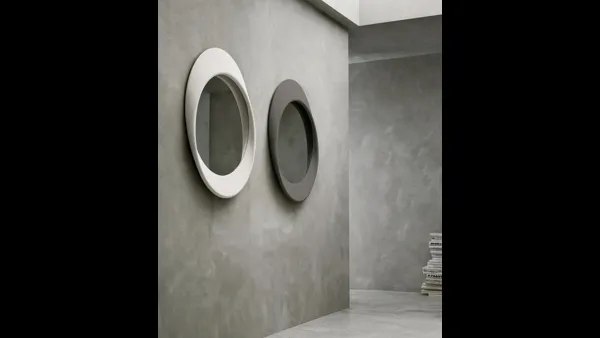
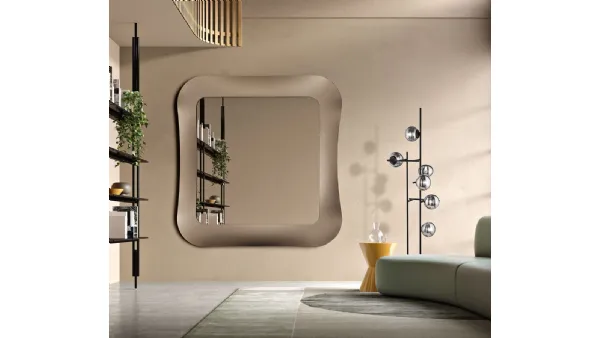
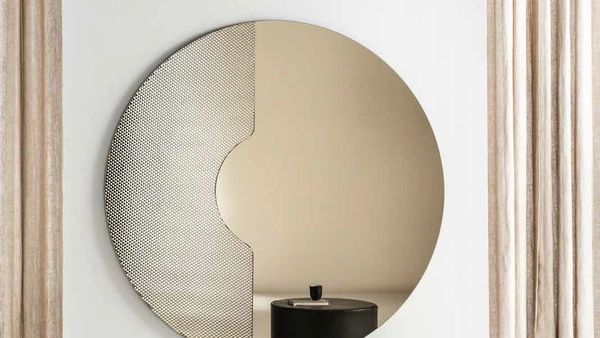
Specchio 12 di Stones senza cornice: aggiungerà personalità e fascino a un locale ammobiliato con mobili e complementi dai richiami moderni. Complementi e specchi completano l'arredo di casa, occupando lo spazio in modo utile e rendendolo accogliente e di grande valore estetico. Particolarmente versatili e multifunzionali, i Complementi moderni senza cornice rispondono a funzioni differenti: ultimano le doti di funzionalità e il valore estetico del locale. Le composizioni arredative di alto valore estetico del brand Stones valorizzano l'habitat con colore e gusto, ricreando peculiari atmosfere arredative. In negozio potrai visionare in prima persona l'eccellenza dei modelli di specchi moderni senza cornice del brand, proprio come questa soluzione in foto.
FAQ
-
Dove posso visionare e acquistare lo Specchio 12 di Stones a Fano?Puoi trovarlo presso Casa Viva Arreda di Infante Antonio in Viale Romagna, 110 a Fano. Offriamo consulenze personalizzate per aiutarti nella scelta del complemento d'arredo perfetto.
-
Quali sono le caratteristiche distintive dello Specchio Stones 12?Lo Specchio Stones 12, parte della collezione di complementi d'arredo, Q: How to reset a Netgear Nighthawk R7000? I want to make sure all previous settings are gone. I want to factory reset the router to its default settings. How can I do this? A: There are two ways to reset a Netgear Nighthawk R7000 router: a soft reset and a hard factory reset. A soft reset (power cycle) is useful for minor issues, but to completely wipe all settings and revert the router to its factory defaults, you'll need to perform a hard factory reset. **Method 1: Soft Reset (Power Cycle)** 1. **Unplug the router:** Disconnect the power adapter from the router. 2. **Wait:** Wait for at least 10-15 seconds. This allows the router's capacitors to fully discharge. 3. **Plug it back in:** Reconnect the power adapter to the router. 4. **Wait for boot-up:** Allow the router to fully boot up. All indicator lights should stabilize. **Method 2: Hard Factory Reset (Recommended for Wiping Settings)** This method will erase all custom settings, including your Wi-Fi name (SSID), password, admin password, and any port forwarding or DHCP reservations you've configured. The router will revert to the settings it had when you first took it out of the box. 1. **Locate the Reset Button:** On the back of your Netgear Nighthawk R7000 router, you'll find a small, recessed button labeled